Bank of Montserrat
Enjoy maximum convenience, managing and growing your funds.
Empower your business through our business banking services.
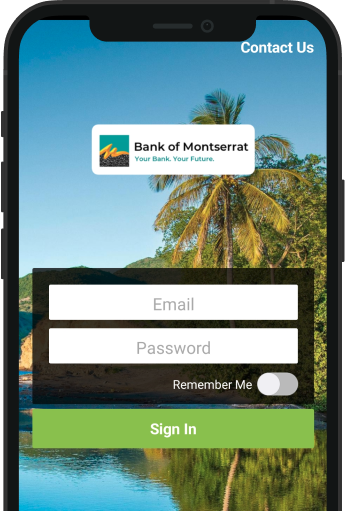
Step 1.
Enter your email and password to sign into the Bank of Montserrat Mobile App
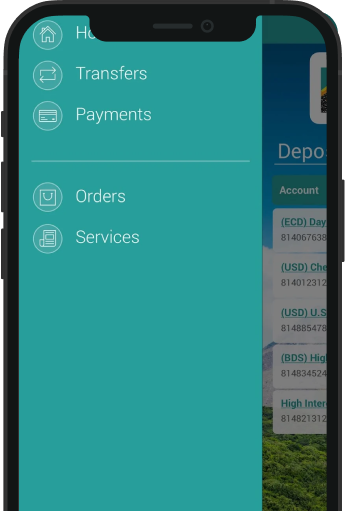
Step 2.
Press the Menu toggle at the top left of the screen to open menu then click on “Transfers”.
Step 3.
Make sure you register for Internet and Mobile Banking before login onto the Bank of Montserrat App.
If you need to have multiple accounts on your app, eg. loan, insurance, etc. Call the bank to register multiple accounts.
Call us if you need further help.
Don’t have a Bank of Montserrat Mobile or Internet Banking. Find out how to get started online.